In the world of technical writing, software development, and digital content creation, Markdown has established itself as the reigning king of lightweight markup languages. Its simplicity, allowing writers to format text using plain text characters, is nothing short of revolutionary. However, while Markdown is perfect for writing and version control, it is not always the best format for sharing, printing, or formal presentation. This is where the necessity of a reliable MD to PDF converter comes into play.
Try Our MD to PDF Converter Now!
Convert your Markdown files to professional PDFs in seconds with drag & drop support
Launch ToolWelcome to PKTools, your premier destination for efficient digital utility tools. If you have ever
struggled with formatting inconsistent documentation or needed to send a clean, read-only file to a
client or manager, you understand the struggle. Converting a raw .md file into a
universally readable Portable Document Format (PDF) ensures your work looks professional on any device.
In this comprehensive guide, we will explore why you should convert Markdown to PDF, how our tool at
PKTools simplifies this process, and best practices for maintaining your document's integrity.
Why Markdown is the Standard for Creators - Md To Pdf Online
Our md to pdf tool provides a seamless experience for md to pdf tasks. Before diving into the conversion process, it is essential to understand why Markdown is so widely used and why the bridge to PDF is necessary. Markdown was created to be easy to read and easy to write. It strips away the complex menus of word processors like Microsoft Word, allowing the writer to focus purely on the content.
Developers love it for README.md files on GitHub. Bloggers use it for drafting content
management system (CMS) articles. Academics use it for taking rapid notes. The syntax is intuitive�using
asterisks for bolding, hashtags for headers, and brackets for links. However, the raw file requires a
specific viewer or editor to render the formatting correctly. If you send a raw Markdown file to a
non-technical stakeholder, they might just see a wall of text interspersed with confusing symbols.
The Power of PDF: Why Convert? - Free Md To Pdf
The Portable Document Format (PDF) is the global standard for document exchange. When you convert your work from MD to PDF using PKTools, you are unlocking several critical benefits:
- Universal Compatibility: A PDF looks exactly the same on a Windows PC, a MacBook, an Android phone, or a Linux server. The formatting is locked in, ensuring no uncomfortable layout shifts.
- Professionalism: Sending a clean PDF looks far more polished than sharing a raw text file or a link to a repository. It signals that the document is finalized and ready for review.
- Security and Integrity: PDFs are difficult to accidentally edit. When you want to ensure your content remains unchanged�for contracts, manuals, or resumes�PDF is the superior choice.
- Print Readiness: Markdown does not inherently have page breaks or margins. Our MD to PDF tool handles pagination smartly, ensuring your code blocks do not get cut in half and your headers sit at the top of the page.
Introducing the PKTools MD to PDF Converter - Md To Pdf Tool
At PKTools, we believe that powerful utilities should be accessible, fast, and remarkably simple to use. Our MD to PDF tool is designed with both the developer and the casual user in mind. Unlike complex command-line interface (CLI) tools that require installing dependencies like Pandoc or LaTeX, our online solution works directly in your browser.
Key Features of Our Tool
We have engineered our converter to address the common pain points found in other software. Here is what sets PKTools apart:
- Instant Rendering: We utilize advanced rendering engines that interpret standard Markdown syntax instantly, converting it to a visual layout before finalizing the PDF.
- Syntax Highlighting: For developers, code blocks are crucial. Our tool supports syntax highlighting, meaning your Python, JavaScript, or HTML snippets will look colorful and distinct in the final PDF, just as they do in your code editor.
- Smart Styling: We apply a clean, modern typeface and professional spacing to the output document. You do not need to worry about CSS stylesheets; we handle the aesthetics for you.
- Privacy First: We understand that your documentation might contain sensitive data. At PKTools, we prioritize security. Your files are processed securely, and we do not store your documents on our servers after the conversion is complete.
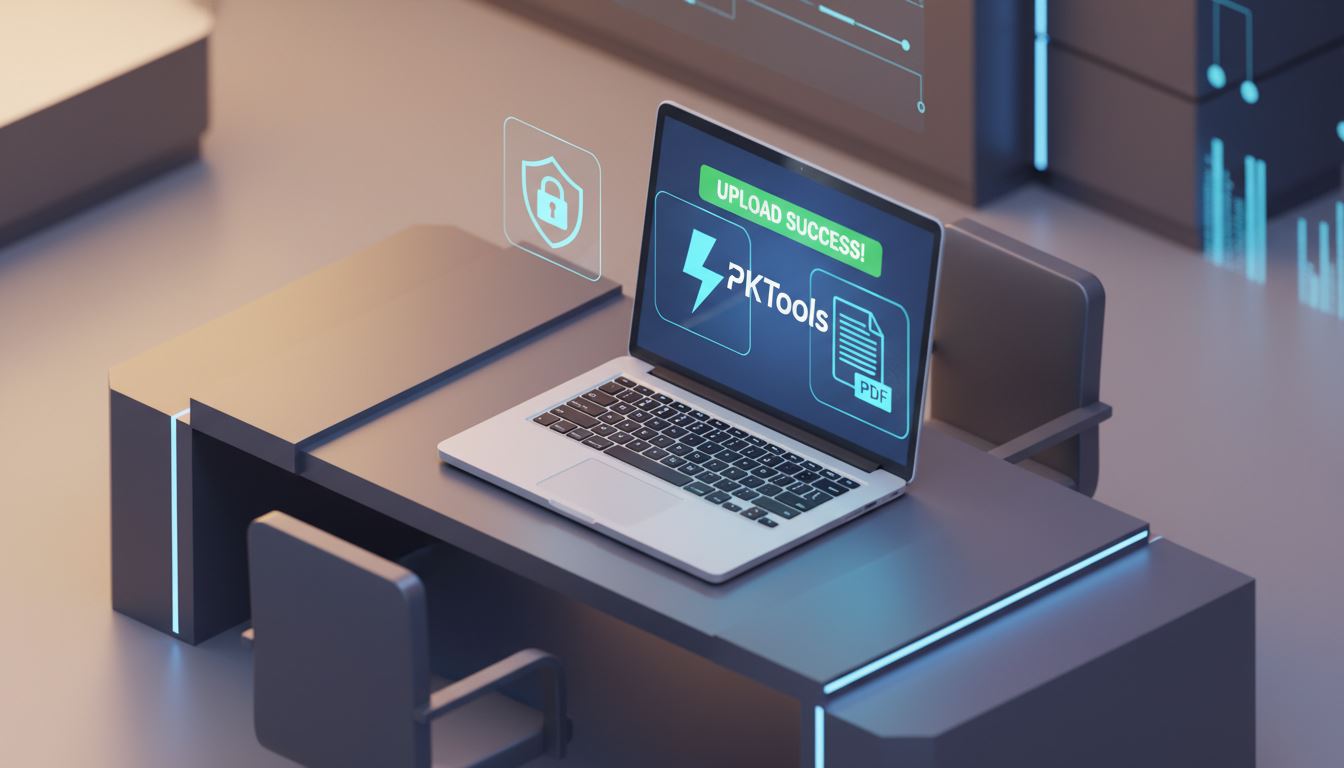
Step-by-Step Guide: From Markdown to PDF
Using the PKTools MD to PDF converter is a seamless experience. We have removed all unnecessary friction. Follow these simple steps to transform your documents:
Step 1: Prepare Your Markdown File
Ensure your .md file is ready. Check that your headings are properly structured using
hashtags (# for H1, ## for H2). Verify that your lists are formatted correctly and that any links are
valid. While our tool is robust, a well-structured source file always yields the best PDF.
Step 2: Upload to PKTools
Navigate to the MD to PDF tool on our site. You will see a clear upload area. You can either drag and drop your file directly or click to browse your computer. We support standard Markdown files.
Step 3: Conversion and Download
Once uploaded, hit the convert button. Within seconds, our engine processes the syntax and generates a PDF. Click the download button to save the file to your local device. It is that simple�no sign-ups, no credit cards, no installation.
Advanced Tips for Perfect Conversions
To get the absolute most out of the PKTools MD to PDF converter, consider these formatting tips during your writing phase. These small adjustments can make a massive difference in the final visual output.
Handling Images
Markdown handles images by linking to a URL or a local path. When using an online converter, ensure your image links are publicly accessible URLs if possible. If you are referencing local images relative to the file, ensure they are embedded correctly or consider hosting them so the converter can fetch and render them into the PDF document.
Code Blocks and Tables
One of the hardest things to format in a PDF is a wide table or a long line of code. In your Markdown, try to keep code lines reasonably short to prevent them from running off the edge of the PDF page. Similarly, for tables, ensure you are using standard Markdown table syntax. PKTools is optimized to handle these, but keeping content within reasonable width limits ensures the best readability.
Use Cases: Who Needs This Tool?
Our traffic at PKTools comes from a diverse range of professionals. Here is how different industries utilize our MD to PDF converter:
- Software Engineers: Converting project documentation and API references into offline-readable manuals for clients who do not use GitHub.
- Students and Researchers: Many academics take notes in Obsidian or Notion (which export to Markdown). Converting these notes to PDF makes them easy to submit as assignments or share with study groups.
- Technical Writers: Drafting help-desk articles in Markdown is efficient. Converting them to PDF allows for the creation of downloadable user manuals and whitepapers.
- Job Seekers: Many modern resumes are written in Markdown to separate content from design. Converting them to PDF ensures the resume passes through Applicant Tracking Systems (ATS) while looking human-readable.
The Future of Document Conversion
As web technologies evolve, so does the way we handle document formats. Markdown is not going anywhere; in fact, its adoption is growing. However, the need for static, unchangeable documents (PDFs) remains a cornerstone of business and legal communication. PKTools bridges this gap.
We are constantly updating our rendering engine to support newer flavors of Markdown, including GitHub Flavored Markdown (GFM), to ensure that footnotes, task lists, and strikethroughs render perfectly every time. Our commitment is to provide a tool that feels like a natural extension of your workflow, not a hurdle you have to jump over.
Conclusion
Markdown is the language of the web creator, but PDF is the currency of the professional world. You shouldn't have to choose between the ease of writing in Markdown and the professional presentation of a PDF. With PKTools, you get the best of both worlds.
Whether you are a developer looking to share documentation, a student submitting a paper, or a writer distributing an ebook, our MD to PDF tool is the fast, free, and secure solution you have been looking for. Stop wrestling with complex software installations and start converting your files with a single click today. Visit the tool page now and experience the difference.
Ready to Convert?
Experience the power of our drag & drop MD to PDF converter with features like:
- ? Drag & drop file upload
- ? Live preview before conversion
- ? Multiple page sizes (A4, Letter, Legal)
- ? Ready-made templates
- ? Customizable font sizes
Frequently Asked Questions (FAQ)
1. Is the MD to PDF tool on PKTools completely free?
Yes, our tool is 100% free to use. We believe in providing accessible utility tools for everyone. You do not need to pay a subscription or buy credits to convert your Markdown files.
2. Do I need to install any software to use this converter?
No installation is required. PKTools operates entirely in the cloud. You can access our MD to PDF converter from any web browser on any operating system, including Windows, macOS, Linux, iOS, and Android.
3. How does PKTools handle my data privacy?
Security is our top priority. When you upload a file, it is processed automatically by our secure servers. We do not manually review your files, and they are deleted from our system shortly after the conversion is complete to ensure your data remains private.
4. Does the converter support images inside the Markdown file?
Yes, the converter supports images. However, for the best results, ensure that the images in your Markdown file are linked via accessible public URLs. If the tool cannot access the image source, it may not appear in the final PDF.
5. Can I convert large Markdown files?
Our tool is optimized to handle standard documentation sizes efficiently. While there are some server-side limits to prevent abuse, the vast majority of documentation files, resumes, and articles will convert without any issues. If you have an exceptionally large file, we recommend splitting it into smaller sections.