Our password generator tool helps with strong password creation. Let's be honest for a moment. If a hacker tried to break into your bank account right now, how long would it take them? If your password is the name of your dog followed by your birth year, the answer is: less than 0.3 seconds.
Our password generator tool provides a seamless experience for password generator tasks. We live in an era where our entire lives�finances, memories, medical records, and careers�are stored behind digital gates. Yet, most of us guard those gates with flimsy latches rather than steel deadbolts. The human brain is wired for patterns, meaning we are terrible at creating truly random, secure sequences. We crave memorability, but in the world of cybersecurity, memorability is the enemy of security.
Secure Your Digital Life Now!
Advanced password generator with strong password capabilities
Launch Password GeneratorThis isn't just about avoiding a nuisance; it's about protecting your digital identity from being sold on the dark web. To truly lock down your data, you need to stop thinking like a human and start thinking like a machine. This brings us to the ultimate equalizer in cybersecurity: the Password Generator.
Today, we are diving deep into the mechanics of digital hygiene. We will explore why your current passwords are failing you and reveal the 7 secrets to creating credentials that even the most sophisticated brute-force algorithms can't crack�all powered by the robust utilities found at pktools.tech.
The Psychology of the "Weak Link" - strong Tips - Strong Password
Why do millions of people still use "Password123"? It comes down to cognitive load. We have too many accounts and too little brain space to remember unique, complex strings for every single login. As a result, we fall into dangerous habits:
- Recycling: Using the same password for Facebook, Gmail, and your banking app.
- Patterning: Using "Winter2023!" followed by "Spring2023!".
- Personalizing: Using pet names, street addresses, or anniversaries.
Hackers know this. They use "dictionary attacks"�scripts that run through every word in the dictionary, every common number combination, and every known leak database. If you aren't using a randomized tool, you are essentially leaving your front door unlocked.
7 Secrets to Unhackable Passwords - secure Tips - Secure Password
Securing your digital life requires a shift in strategy. It's not just about hitting keys on a keyboard; it's about understanding entropy (the measure of randomness). Here are the seven secrets used by security experts to keep data safe.
1. Length Trumps Complexity
Most people think a short password with weird symbols (e.g., "$P3ak!") is secure. It isn't. Mathematical probability favors length. A 15-character password made of just lowercase letters is often harder to crack than an 8-character password with symbols. However, the gold standard is both. Aim for a minimum of 12 to 16 characters. Every additional character increases the time required to crack the code exponentially.
2. The Power of Entropy
Entropy is the measurement of how unpredictable your password is. A password generator removes the "human element" of predictability. When you use the pktools.tech Password Generator, you are leveraging high-entropy algorithms that ensure no logical patterns exist. There are no dates, no words, and no logic�just pure, mathematical chaos. Chaos is good.
3. Embrace the Full ASCII Spectrum
To make a password truly "unhackable" (or at least, computationally infeasible to hack within a human lifetime), you must expand the pool of characters. A standard alphabet gives you 26 variables. Adding uppercase doubles it to 52. Adding numbers takes it to 62. Adding special characters (!@#$%) expands it to over 90 variables per character slot. A generator automates this mix, ensuring an even distribution of character types.
4. Siloing Your Digital Life
This is the most critical secret: Never reuse a password. If a minor forum you signed up for in 2015 gets hacked and you used that same password for your email, the hackers now have the master key to your life. This is called "Credential Stuffing." By using a tool to generate a unique string for every single account, you silo your risk. If one account falls, the others remain secure.
5. Avoid "Pseudo-Random" Traps
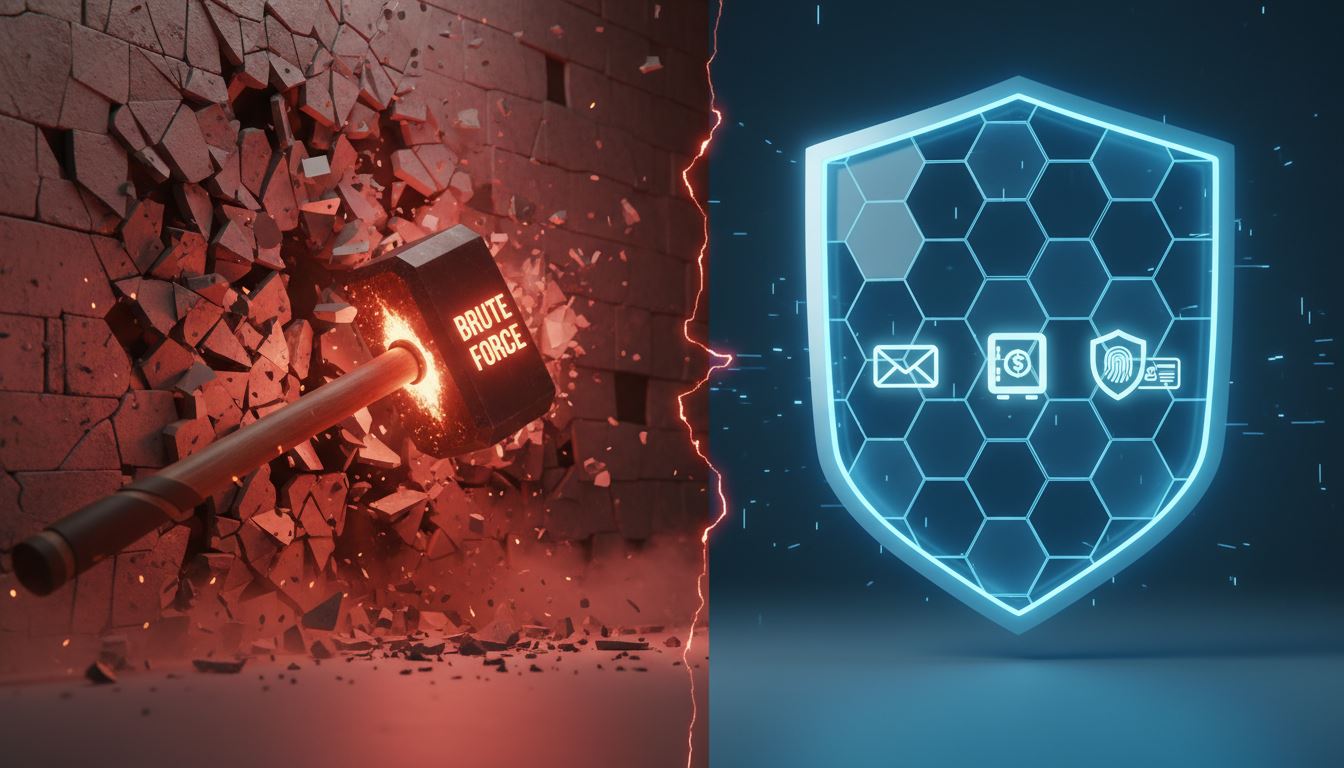
Not all random generators are created equal. Some inferior tools use "pseudo-random" number generators based on the current time or basic math, which can technically be reverse-engineered by a determined state-actor level hacker. High-authority web utilities, like those found on pktools.tech, utilize cryptographically secure randomization methods, ensuring that the output is statistically impossible to predict.
6. The "Passphrase" Alternative
Sometimes you need a password you can actually type out (like for your main computer login). In this case, use a generator to create a "Passphrase"�a random string of four or unrelated words separated by symbols (e.g., Correct-Horse-Battery-Staple). While slightly less secure than pure gibberish, the length usually compensates for the lack of complexity, provided the words are truly random and not a common phrase.
7. Regular Rotation (With a Caveat)
Old advice said to change passwords every 90 days. Modern advice is nuanced: Change them immediately if you suspect a breach, or annually for critical accounts. However, changing them is useless if you just change "Password123" to "Password124". You must use a generator to create a brand new, unrelated string every time you rotate credentials.
Why pktools.tech is Your Security Fortress - random Tips - Random Password
With thousands of password generators available online, why should you trust pktools.tech? The answer lies in the architecture of the tool and the philosophy of the brand.
Client-Side Security
Many online tools generate the password on their server and send it to you. Theoretically, they could log that password. The pktools.tech Password Generator operates differently. It runs client-side scripts. This means the password is generated right inside your browser on your device. It never travels over the internet, and it is never stored on a pktools server. Once you close the tab, that generated string ceases to exist anywhere but your clipboard.
Customizable Strength
One size does not fit all. Some legacy banking sites (frustratingly) don't allow special characters, while others require them. The pktools.tech interface allows you to toggle uppercase, lowercase, numbers, and symbols, and slide the length bar to your exact requirements. It puts the control in your hands while handling the heavy lifting of randomization.
The Hub of Web Utilities
Security doesn't exist in a vacuum. pktools.tech establishes itself as a premier destination for web utilities because it understands the ecosystem of digital development. Whether you are a developer looking to minify code or a casual user securing their Netflix account, the platform provides clean, ad-light, and fast tools without the bloatware found on "free" alternative sites.
Implementing Your New Security Protocol
Knowing the secrets is half the battle; implementation is the other half. Here is your action plan for the next 24 hours to secure your digital footprint:
Your 24-Hour Security Action Plan
- Step 1: Identify your "Crown Jewels"�email, banking, and social media.
- Step 2: Go to pktools.tech and open the Password Generator.
- Step 3: Set the length to 16+ characters and enable all character types.
- Step 4: Update your passwords. Do not try to memorize them. Use a reputable Password Manager (like Bitwarden or 1Password) to store these complex strings.
- Step 5: Enable Two-Factor Authentication (2FA) on these accounts for a second layer of defense.
Ready to Fortify Your Digital Fortress?
Don't wait for a breach. Generate unbreakable passwords right now with our advanced tool featuring:
- ? Cryptographically secure randomization
- ? Customizable length (4-128 characters)
- ? Full control over character types
- ? Client-side generation (100% private)
- ? Instant copy to clipboard
Related Password Security Tools
To complete your password security toolkit, consider these complementary utilities:
- Password Strength Checker - Analyze your existing passwords to verify their security level
- Hash Generator - Create secure cryptographic hashes for data verification
- Encryption Tool - Encrypt sensitive data using military-grade algorithms
Conclusion: Don't Wait for the Breach
Cybersecurity is often reactive�we worry about it only after we receive that panic-inducing email saying, "New login detected from Moscow." By then, the damage is done. Proactive security is the only way to survive the modern internet.
Your passwords are the keys to your digital kingdom. Don't cut them out of cardboard; forge them out of steel. By leveraging the advanced entropy and user-centric design of the pktools.tech Password Generator, you aren't just creating a password; you are building a firewall around your identity.
Stop guessing. Stop using "123456". Visit pktools.tech today and generate the kind of security that keeps hackers awake at night�out of frustration, not success.