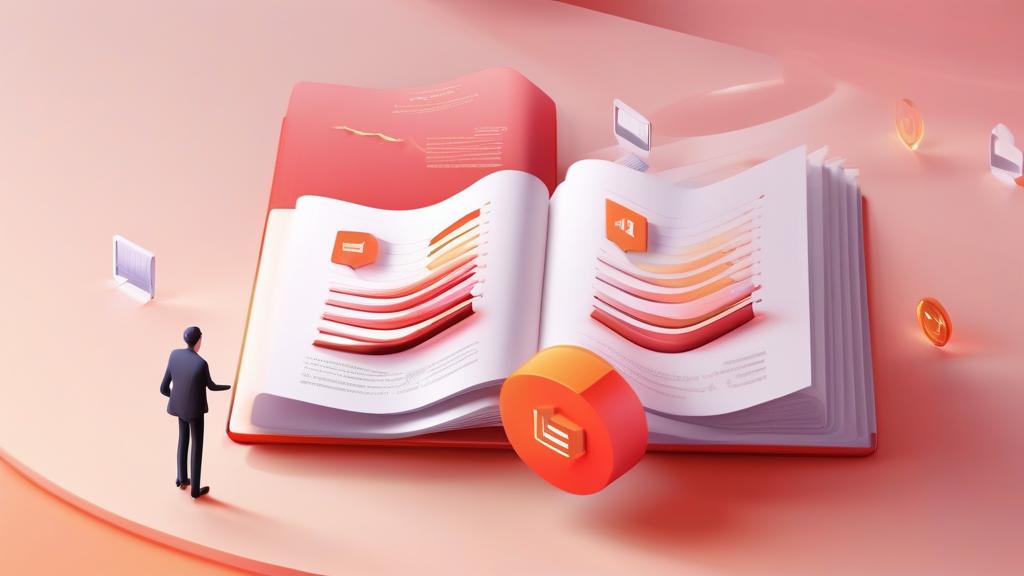
Our pdf remove pages tool provides a seamless experience for pdf remove pages tasks. You have a presentation deck with 30 slides, but three of them contain outdated data that you need to remove before sharing with your team. Or a scanned document has blank pages scattered throughout. Or a report has a cover page and table of contents that are irrelevant for a specific recipient. These micro-tasks happen daily, and they should take seconds � not minutes of wrestling with PDF software.
Removing pages from a PDF is the inverse of extraction, and it is equally essential for document management. The key is doing it quickly, cleanly, and without compromising the original document quality.
Remove PDF Pages Instantly!
Advanced pdf remove pages with pdf remove pages online capabilities
Launch Page RemoverWhen You Need to Remove PDF Pages - Pdf Remove Pages Online
- Removing blank pages: Scanned documents often have empty pages from double-sided scanning
- Deleting cover pages: Remove title pages or headers when sharing specific content sections
- Cleaning draft revisions: Remove outdated pages from evolving documents
- Reducing file size: Removing unnecessary pages with heavy images shrinks the overall file
- Privacy redaction: Delete pages containing sensitive information before sharing
How to Remove Pages with PKTools - Free Pdf Remove Pages
- Upload your PDF: Open the tool and load your document � it stays in your browser
- Select pages to remove: Click on pages to mark them for deletion, or enter page numbers manually
- Preview the result: See what your PDF will look like after removal before confirming
- Download: Get your cleaned-up PDF instantly with all remaining pages intact
Why This Tool Beats the Alternatives - Pdf Remove Pages Tool
No Software Installation
Adobe Acrobat, Foxit, and other desktop tools require downloads, installations, and often subscriptions. The pktools.tech tool works instantly in any modern browser � Chrome, Firefox, Safari, or Edge.
Complete Privacy
Your PDF is processed entirely on your device. Nothing is uploaded to any server. This makes it safe for confidential contracts, medical records, financial documents, and any other sensitive content.
No Quality Loss
Removing pages does not recompress or alter the remaining content. Images stay sharp, text stays crisp, and vector graphics maintain their resolution.
Frequently Asked Questions
Can I undo page removal?
The tool creates a new PDF without the removed pages � your original file is never modified. Keep the original as a backup.
Does it work with password-protected PDFs?
If you can open the PDF (i.e., you have the password), the tool can process it. Fully locked/encrypted PDFs that prevent any editing are not supported.
What is the maximum file size?
There is no hard limit. Processing happens in your browser, so performance depends on your device. Most documents under 100MB work smoothly.
Ready to try this tool?
Experience the power of professional-grade tools right in your browser. No registration required!
Try It Now